Перейти к содержанию
View in the app

A better way to browse. Learn more.

RusChat - русскоязычная IRC сеть.

A full-screen app on your home screen with push notifications, badges and more.

To install this app on iOS and iPadOS
  1. Tap the Share icon in Safari
  2. Scroll the menu and tap Add to Home Screen.
  3. Tap Add in the top-right corner.
To install this app on Android
  1. Tap the 3-dot menu (⋮) in the top-right corner of the browser.
  2. Tap Add to Home screen or Install app.
  3. Confirm by tapping Install.
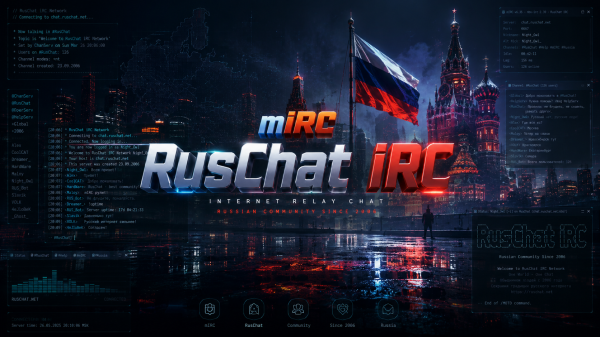
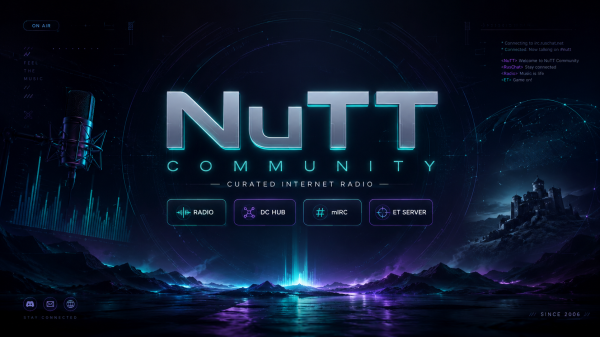
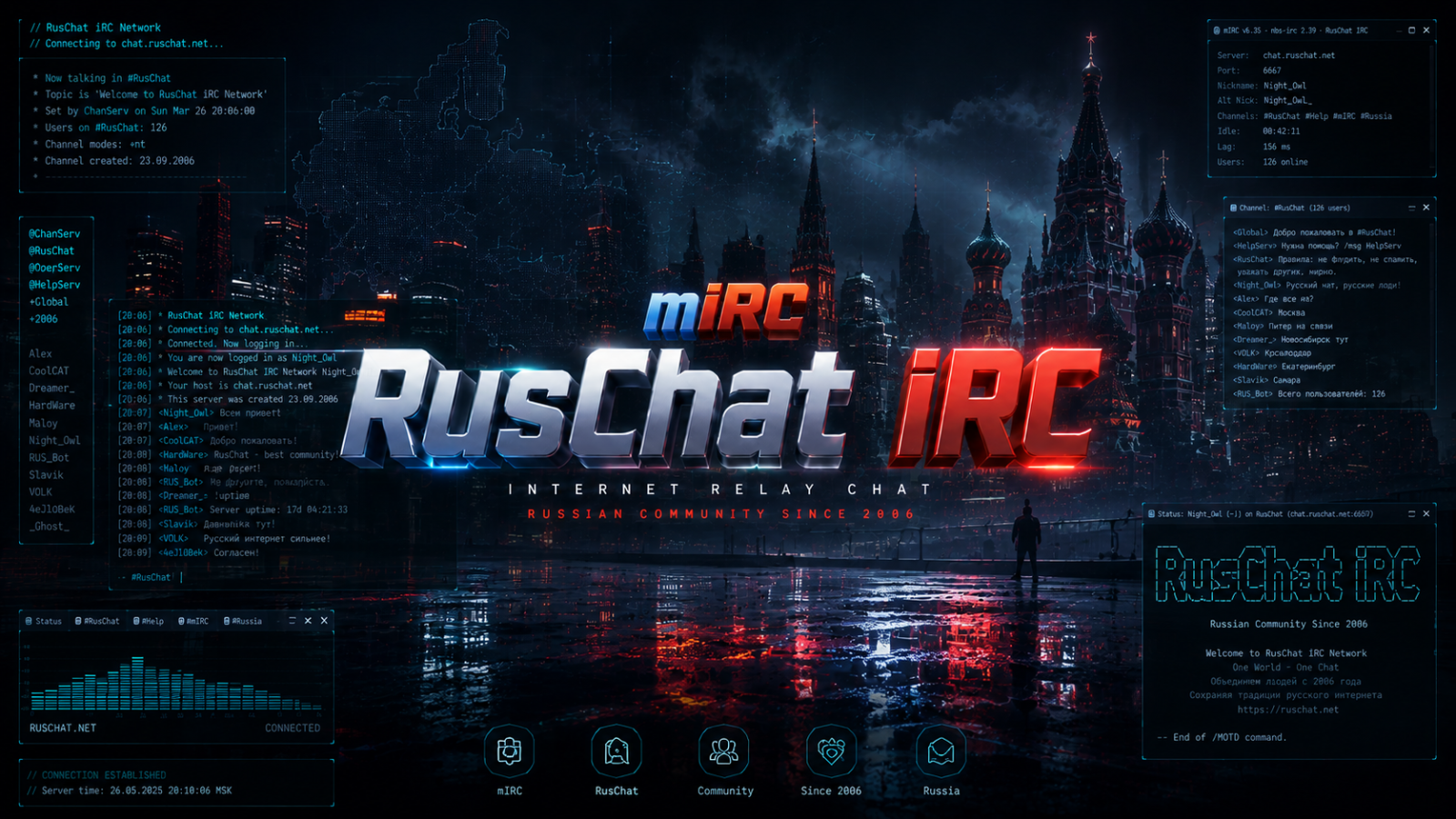
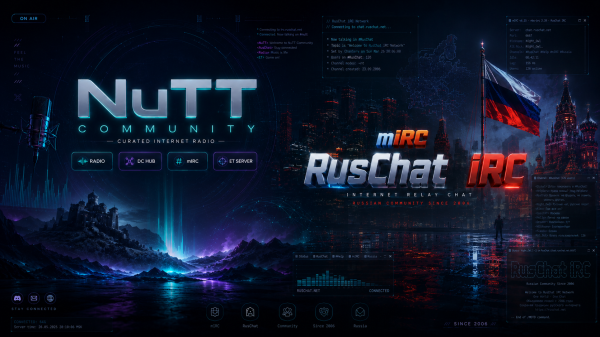
Ваши Дизайны для RusChat и NuTT Community

Ваши Дизайны для RusChat и NuTT Community

Альбом создал S1NGLESOUL · Обновлено

Можете заливать свои, либо ИИ сгенерированые дизайны сайтов, логотипов и Wallpapers на тематику RusChat и NuTT Community 😉
Аккаунт

Навигация

Поиск

Поиск

Configure browser push notifications

Chrome (Android)
  1. Tap the lock icon next to the address bar.
  2. Tap Permissions → Notifications.
  3. Adjust your preference.
Chrome (Desktop)
  1. Click the padlock icon in the address bar.
  2. Select Site settings.
  3. Find Notifications and adjust your preference.